


AI is changing how photographers work, making photo editing faster and better. By offering AI-enhanced photo editing briefs, you can save photographers time while delivering high-quality results. This service can bring in around $4.5K a month, tapping into a growing demand for smarter editing solutions.
In this post, you’ll see how combining AI tools with targeted editing briefs creates a valuable service photographers want. This approach helps you stand out and build a steady income without editing every photo yourself. If you want to learn practical steps and ideas for starting this, keep reading.
Understanding AI-Enhanced Photo Editing Briefs
Photo editing has never been just about adjusting colors or cropping images—it’s becoming a smart, automated process thanks to AI. If you’re thinking about offering AI-enhanced photo editing briefs to photographers, it’s important to understand exactly what they are, how AI technologies work behind the scenes, and why photographers find them so valuable. These briefs don’t just save time—they guide the editing process with clear, AI-powered instructions that boost both speed and quality.
What is an AI-Enhanced Photo Editing Brief?
An AI-enhanced photo editing brief is a detailed, data-driven guide created with the help of artificial intelligence. Rather than a generic list of tweaks, these briefs offer tailored editing instructions that fit each photo’s unique style and lighting. They blend traditional editing preferences with AI analysis to recommend specific enhancements, tone adjustments, or effects automatically.
Imagine it as a smart blueprint that tells editors exactly what to do or sets AI tools in motion with minimal hands-on input. Photographers get consistent, high-quality results without the back-and-forth or frustration of manual edits. The brief essentially acts as both a road map and a project manager, translating visual goals into precise, actionable steps powered by AI.
Key AI Technologies Used in Photo Editing
AI in photo editing is more than just a filter. Several technologies work together to improve images quickly and accurately:
- Automation & Batch Processing: AI software can perform repetitive tasks like color correction, noise reduction, or background removal in bulk, saving hours of manual work.
- Style Transfer: This lets AI apply a specific look or mood from one image to another. For example, you can match lighting or color grading across a photo series to keep consistency.
- Real-Time Enhancements: Some tools analyze an image instantly and adjust exposure, sharpness, or skin tones on the fly, providing instant feedback.
- Masking and Object Recognition: AI smartly identifies subjects, skies, or faces, making selective edits easier without tedious manual masking.
- Content-Aware Editing: Tools can intelligently fill gaps, remove unwanted objects, or repair damaged areas, often with better results than traditional cloning techniques.
Together, these technologies empower faster workflows with editor-like precision, letting creatives focus more on vision and less on grunt work. Learn more about how AI editing works in photography for a deep dive.
Benefits of Using AI in Photo Editing for Photographers
Photographers love AI-enhanced briefs because they:
- Save Time: AI speeds up routine processes, cutting editing turnaround from hours to minutes.
- Maintain Consistency: AI ensures every photo in a batch follows the same style or preset, which is crucial for branding or client requests.
- Improve Quality: With precise adjustments powered by machine learning, image quality often surpasses what manual edits alone can achieve.
- Reduce Costs: Less time editing means lower expenses or the ability to take on more clients.
- Offer Customization: AI guides can be tailored, so photographers still keep control over artistic choices without repetitive drudgery.
By combining human creativity with smart AI tools, photo editing becomes more efficient and polished. This mix is why offering AI-enhanced photo editing briefs is a service photographers are eager to use.
For a detailed look at how AI is shaping photo editing workflows and their benefits, check out this expert perspective on the future impacts of AI in photography.
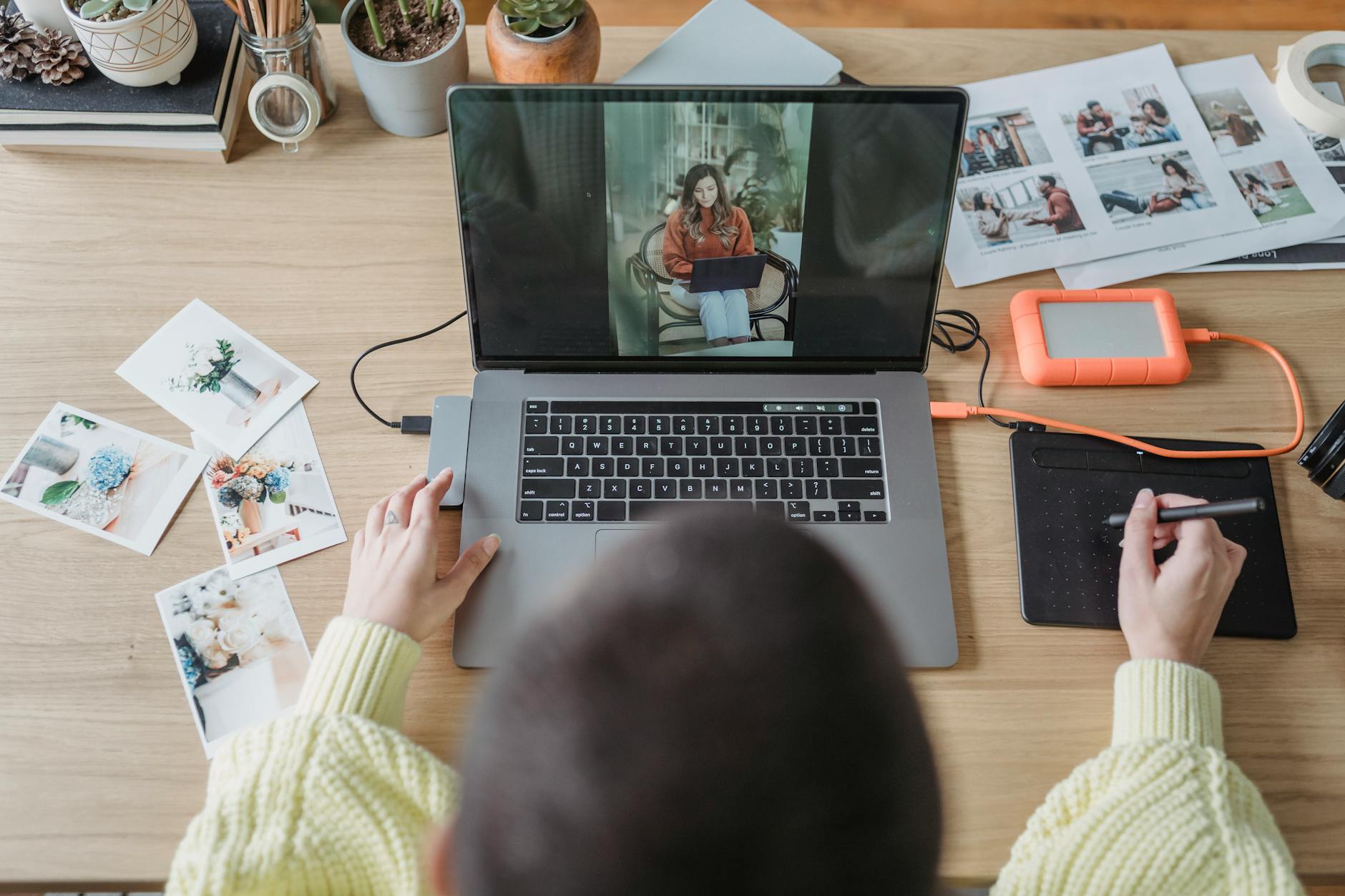
Photo by George Milton
Internal link suggestion to enrich your understanding of the service you are offering: explore how to earn $4.5K/month offering AI-enhanced photo editing briefs.
This foundation will help you explain the value clearly while showing why photographers can benefit from your AI-driven editing briefs.
How to Build Your AI Photo Editing Service for Photographers
Launching an AI-powered photo editing service means combining the right AI tools, personalized briefs, and smooth workflows to deliver exactly what photographers want. You’re not just offering edits, you’re providing efficient, consistent solutions that help creatives save time and boost image quality. Getting this right involves carefully choosing AI software, tailoring briefs to each photographer’s style, and automating your processes so the service runs without constant manual input.
Selecting the Best AI Tools for Photo Editing
Choosing effective AI tools forms the backbone of your service. Automated culling, keywording, client proofing, and final gallery delivery are all tasks where AI simplifies traditionally tedious steps. Here’s a quick overview of top options that many professionals use:
- Imagen stands out for automated culling and basic edits, quickly sorting through large photo batches and offering smart retouch suggestions.
- Peakto focuses on cataloging and keywording, helping you organize photos efficiently with AI-generated tags that speed up search and retrieval.
- For client proofing and gallery delivery, tools that include features like private sharing, commenting, and easy download options enhance client communication dramatically.
Start by trying these tools to find the right mix that fits your service model. Each tool handles a different piece of the workflow puzzle, which helps you deliver a full, smooth experience from raw images to finished galleries. If you want to dig deeper into AI tools crafted for photographers, check out this useful guide on best AI tools for photographers.
Customizing AI Briefs to Photographer Styles
Every photographer has a unique look they want to maintain or develop. Your AI-enhanced briefs should reflect those differences by tailoring editing instructions that respect each artist’s preferences. This means going beyond generic tweaks:
- Analyze previous work or style references to understand typical lighting, tone, and color choices.
- Use AI tools that allow you to set specific parameters for skin tones, contrast levels, and preferred filters or presets.
- Include notes on artistic intent, such as whether the photographer prefers natural or dramatic edits.
The goal is to create briefs that guide AI editing tools — or human editors working with those tools — to deliver consistent, custom results without back-and-forth corrections. This personal touch transforms your service from a simple editing shortcut to a collaborative creation partner.
Setting Up Workflow Automation and Cloud Integration
To scale your AI photo editing service and keep client turnaround fast, workflow automation is key. Automating repetitive tasks frees you up to focus on client relationships and improving your briefs. Here’s how to set this up:
- Use cloud storage solutions (like Google Drive, Dropbox, or dedicated photo management platforms) that integrate with AI editing tools. This lets you and your clients access images anytime without sending files manually.
- Automate file naming, backup, and version control so no photo gets lost or confused during the process.
- Implement batch processing features within your AI tools to apply briefs and edits across entire photo sets instantly.
- Use client communication platforms that integrate with your galleries for proofing and approval—keeping everything centralized speeds up feedback.
By combining cloud tech with automation, your service remains organized, fast, and able to handle growing client demands smoothly.
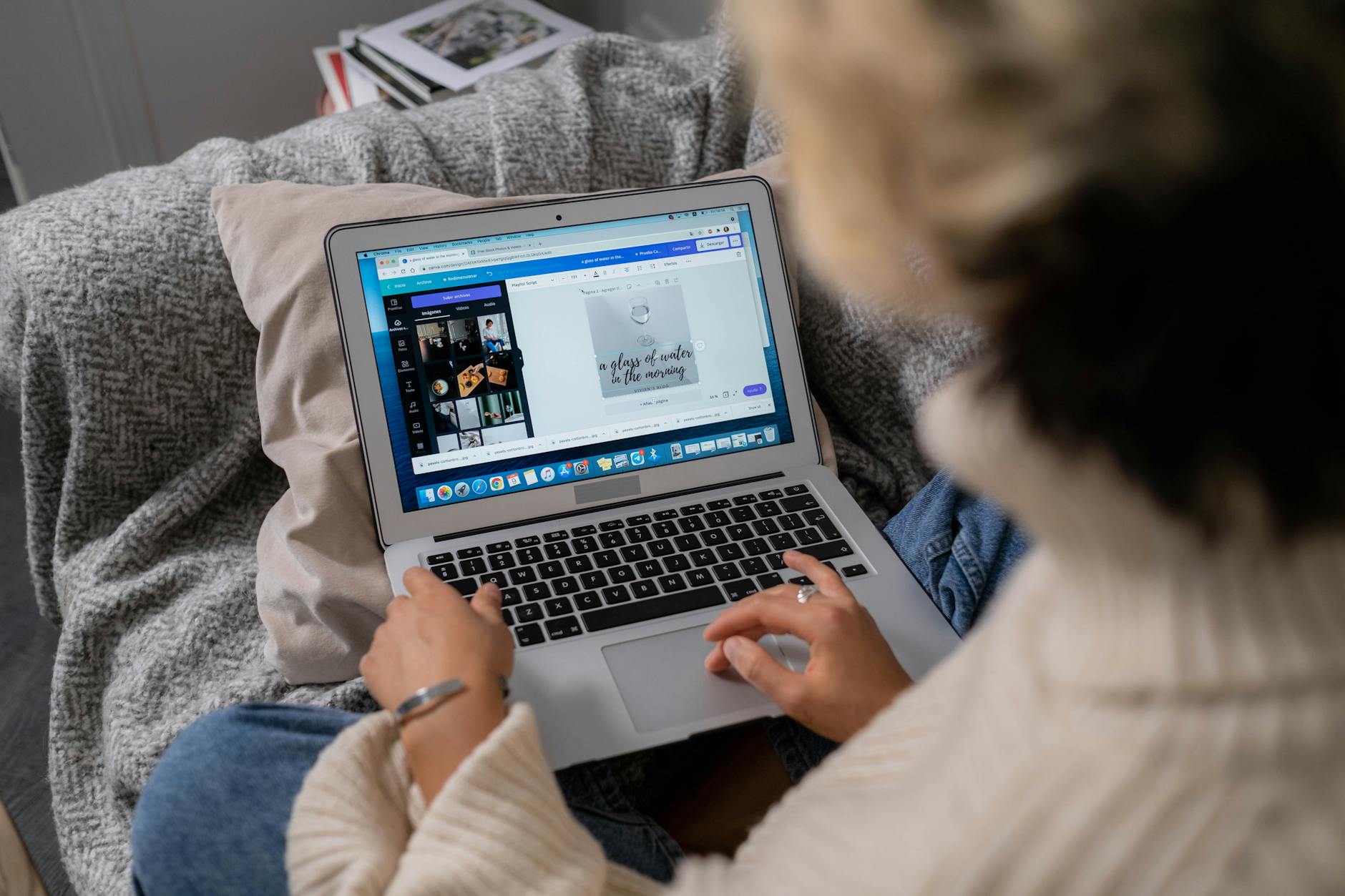
Photo by Ron Lach
Setting this foundation positions you perfectly to offer photographers the time savings and quality boosts they need through your AI-enhanced editing briefs. For more insight on setting up services like this, check out how to earn $4.5K/month offering AI-enhanced photo editing briefs.
Monetizing Your AI-Enhanced Photo Editing Briefs
Offering AI-enhanced photo editing briefs opens an exciting opportunity to build a recurring income stream. The key is picking smart pricing models, packaging your services clearly, and reaching out to the right photographers. Let’s break down each part, so you can monetize your offering confidently and consistently.
Subscription and Tiered Pricing Models
Subscriptions are great for building a stable, predictable monthly income. Instead of charging per project, photographers pay a set fee for ongoing access to your AI-enhanced briefs. This model suits photographers with regular editing needs who want to save time continuously.
You can also design tiered pricing where each level bundles different benefits:
- Basic Tier might include a fixed number of briefs per month, ideal for hobbyists or starters.
- Pro Tier offers more briefs with enhanced customizations and faster turnaround.
- Premium Tier includes bulk edits, priority support, and exclusive style presets.
Tiered pricing lets you serve a range of customers — from part-time photographers to professionals with heavy workloads. It also encourages upgrades, increasing lifetime value. You can easily apply discounts on longer-term subscriptions, like quarterly or annual payments to boost loyalty.
Charging by subscription or tiers reduces uncertainty and smooths your cash flow, making your business scalable and easier to manage.
Defining Service Packages: Bulk Edits, Style Presets, Custom Branding
Clarity in your service packages can win trust and make buying decisions easier. Here are some ideas for structuring your offers:
- Bulk Edits: Package briefs for a set number of photos or shoots. Perfect for photographers with many images who need consistent quality fast.
- Style Presets: Offer curated AI-driven presets that define a photographer’s unique look — think specific color tones or mood adjustments. This adds high value by saving time on repetitive tasks while keeping their personal brand strong.
- Custom Branding: Tailor briefs to feature a photographer’s logo, watermark preferences, or unique style notes. This extra layer of personalization distinguishes your service and appeals to businesses or influencers building their identity.
By clearly outlining what each package includes, you reduce confusion and let photographers pick exactly what fits their needs. Packages can also mix and match these features so each customer feels they are getting personalized value.
Marketing and Outreach to Photographers
Even the best service won’t sell itself. You need to actively reach photographers where they spend time and show how your AI briefs make their lives easier.
Here’s how to get started:
- Social Media Presence: Use Instagram and Facebook groups dedicated to photography. Share before-and-after examples showing how your AI briefs save time and improve photos.
- Photographer Forums and Communities: Participate in conversations, offer free trials, or post educational content. Being helpful builds credibility.
- Email Campaigns: Collect emails via your website and send targeted campaigns detailing your packages with clear calls to action.
- Collaborations: Partner with photography influencers or local studios who can recommend your service.
- Testimonials and Reviews: Collect feedback from early clients and showcase it on your website and social channels. Real success stories carry strong persuasion.
Your outreach should emphasize the time saved, consistency earned, and quality enhanced by your AI-powered briefs. Photographers are busy professionals delighted to find ways to cut hours from their editing process without sacrificing style.

Photo by Pavel Danilyuk
For a complete step-by-step guide on how to earn a steady income from your AI editing service, check this helpful resource on how to earn $4.5K/month offering AI-enhanced photo editing briefs.
With the right pricing, packages, and outreach, your AI-enhanced photo editing briefs can become an essential tool photographers rely on every month.
Tools and Platforms to Enhance Your Service Delivery
Running a smooth AI-enhanced photo editing brief service means more than just having smart AI tools. You also need solid platforms to manage your clients, simplify your business, and keep everything on track. These tools help you organize galleries, automate marketing, handle bookings, and improve communication with your photography clients. Let’s jump into some reliable options that can boost your service delivery and create a better experience for everyone involved.
Client Gallery and Marketing Automation with Pic-Time
Pic-Time is popular among photographers because it does more than just showcase photos. It combines elegant client galleries with powerful marketing tools that work quietly in the background. When you deliver AI-enhanced editing briefs, Pic-Time offers a sleek platform where photographers can review their photos, share feedback, and download finished images without hassle.
Here’s what you get with Pic-Time:
- Beautiful, customizable galleries that clients love to explore.
- Automated emails and marketing campaigns to keep clients engaged.
- Upsell options like prints and products directly from the gallery.
- Integrated client feedback tools that reduce back-and-forth communications.
Pic-Time automates many client touchpoints so you spend less time chasing approvals or manually following up. Plus, photographers appreciate having everything neat and accessible in one place. This tool fits perfectly if you want to combine photo delivery with automated marketing that keeps photographers coming back.
Learn more about how smart galleries work by exploring other solutions like CloudSpot and Zenfolio featured in this helpful guide on client galleries for photographers.
Business Operations Automation Using HoneyBook
Managing the business side of your AI photo editing service can get tricky, but HoneyBook simplifies it substantially. This all-in-one platform takes care of contracts, invoicing, payments, and client communications. It reduces the chaos of different apps and files scattered everywhere.
Why HoneyBook matters:
- Send professional proposals and contracts with e-signatures.
- Automate invoicing and payment reminders to keep cash flow steady.
- Manage client info, messages, and projects from a single dashboard.
- Integrates with calendars and other tools to streamline your workflow.
For a service where trust and reliability matter, HoneyBook makes it easy to maintain professionalism and keep your operations smooth. Less admin stress means more time perfecting briefs and delivering quality results for your clients. It’s a smart choice to automate business tasks without losing the personal touch that builds client loyalty.
Scheduling and Customer Management Tools
Good scheduling tools are essential to keep things running on time, especially if you offer consultations or briefing reviews live. Apps like Focal and Acuity Scheduling stand out as user-friendly options. They let clients book appointments directly online, reducing email ping-pong and missed meetings.
Features that enhance your workflow:
- Allow clients to pick and book slots that fit their calendars.
- Send automatic reminders to reduce no-shows.
- Sync with your personal calendar so you never double-book.
- Collect client info before meetings for smoother sessions.
Customer management apps extend beyond scheduling. They organize your contacts, track interactions, and sometimes even store client preferences or notes about projects. This level of detail supports a tailored service where photographers feel valued and understood.
Having scheduling and CRM tools aligned with your AI service makes every step from first contact to final delivery clearer and easier to manage. Since your service is about saving time, you want platforms that do the same for you.

Photo by Tima Miroshnichenko
Leveraging these tools carefully aligns your photo editing briefs service with professional client management and efficient workflows. For more ways to grow your AI-powered service, check this resource on how to earn $4.5K/month offering AI-enhanced photo editing briefs.
Trends and Ethical Considerations in AI Photo Editing in 2025
AI photo editing keeps growing, changing the way photographers and editors get their work done every year. In 2025, some new tech features make editing more intuitive and accessible, while ethical questions around privacy and bias demand attention. It’s important to strike the right balance between using AI to speed up tasks and keeping creative control in human hands. Let’s explore the main trends shaping AI photo editing and the ethical side you need to understand.
Emerging Technologies and AI Features for 2025
The tools available for AI photo editing in 2025 aren’t just faster or smarter—they’re easier for almost anyone to use. Here are some standout developments:
- User-Friendly Interfaces: AI tools now have clearer layouts and guided workflows that help both beginners and pros get consistent results. You don’t have to be a tech expert to harness these features.
- Dynamic Style Matching: AI can analyze a photoshoot or a photographer’s entire portfolio and then automatically apply matching color grading and lighting tweaks for a cohesive look.
- Real-Time Collaboration: Cloud-based platforms let photographers and editors work together remotely, with AI suggesting edits live during their sessions.
- Advanced Object Recognition: Improved AI can isolate even complex objects or backgrounds in photos, making precise edits simpler and cutting down tedious manual masking.
- Smarter Auto-Correct: AI algorithms refine their corrections by learning from user feedback and can adjust skin tones, exposure, and sharpness with minimal input.
These trends push photo editing toward a future where tools adapt to your style, not the other way around. Staying updated on these can help you create AI editing briefs that bring real value to photographers.
For a detailed look at these trends and tools, check out this overview of AI Image Enhancers in 2025.
Privacy, Ethics, and Bias Mitigation in AI Photo Editing
With AI gaining ground, questions about privacy, fairness, and transparency are more than background noise. They shape how responsible providers approach AI photo editing:
- User Data Privacy: AI tools need photo data to learn and improve, but safeguarding clients’ original images and metadata is essential. Many photo editing apps have introduced stronger encryption and local storage features to protect privacy.
- Bias in AI Models: AI sometimes shows bias, like favoring certain skin tones or styles, which can lead to unfair or inaccurate edits. Developers and users alike must actively identify and reduce these biases to ensure diversity in editing outcomes.
- Authenticity and Consent: Altering images with AI raises concerns about how much editing is ethical, especially in journalism, portraits, or commercial work. Being transparent with clients about AI’s role builds trust.
- Data Sourcing Ethics: Some AI photo editing apps have been criticized for using images without permission to train their algorithms. Supporting software that respects copyright and ethical sourcing is key.
Tech providers are working on clearer standards, and staying informed helps you avoid pitfalls. Awareness of these issues makes your service more trustworthy and professional.
Learn more about these important ethical points in this well-rounded article on ethical considerations in AI photo editing.
Balancing Automation with Artistic Creativity
AI can handle many editing tasks quickly, but creativity still belongs to the artist. The best use of AI in photo editing respects this balance:
- Automation for Routine Tasks: Let AI take care of repetitive jobs like noise reduction, color correction, and cropping. This frees up time to focus on meaningful choices.
- Guided Creativity: Use AI-powered briefs to suggest but not dictate edits. Photographers can tweak AI recommendations to fit their unique vision.
- Maintain Control: Avoid relying entirely on presets or automatic adjustments. Encourage photographers to remain hands-on or offer final review stages.
- Blend Human and AI Strengths: Think of AI as a tool that sharpens your brush but doesn’t paint the whole picture.
When you build briefs or services for photo editing, highlight this partnership between machine and human. It creates a more satisfying experience and better outcomes that respect both efficiency and artistry.
Balancing these elements raises your value as a service provider, offering photographers the best of both worlds—time saved with space left for individual style.

Photo by Pavel Danilyuk
For further insight on building AI photo editing services that respect creative workflow, explore our guide on how to earn $4.5K/month offering AI-enhanced photo editing briefs.
Conclusion
Offering AI-enhanced photo editing briefs gives you a clear path to earn around $4.5K per month by helping photographers save time and improve their workflow. By focusing on personalized briefs and smart AI tools, you create a service that photographers trust and want to return to.
Start exploring the AI options that fit your style and package your offerings in ways that match the needs of different photographers. With consistent effort and smart marketing, this service can become a steady income source.
Invest in sharp workflows and client management to keep your service professional and scalable. This approach not only benefits photographers but also builds your own reliable and rewarding business.
Check out more insights on how to build and grow your AI photo editing service for steady earnings here.